Meet your Familia, choose a goal, and plan the run.
Form a Familia, clear dungeon runs, battle bosses, and progress with your party in a fantasy RPG world.
Microsoft sign-in
Automatic setup
Support Hub
What Is Lumina?
Built for Parties, Dungeons, and Familias
Lumina: Familia Myth is a fantasy Minecraft RPG server where players form Familias, prepare dungeon routes, fight bosses, join events, and progress together through an evolving world.
Gameplay Loop
Gather, Prepare, Enter, Conquer
Lumina is built around party momentum. Meet your Familia, prepare your run, enter dangerous routes, then return stronger for the next attempt.
Check readiness, supplies, party roles, and route timing.
Push through routes with coordinated party play.
Face bosses, clear objectives, and bring progress back home.
Features
Your Familia's Next Adventure
Dungeon Runs
Enter dangerous routes with your party and earn progress through coordinated play.
Familias
Create a group identity, represent your allies, and become known across Lumina.
Progression
Unlock goals, rewards, ranks, and tougher challenges as the server grows.
Events
Join testing windows, seasonal moments, staff events, and community challenges.
Boss Encounters
Face major threats designed for prepared players and organized teams.
Preview
See Lumina Before You Download
Early previews from the launcher and world testing. More dungeon, boss, party, and event screenshots will be added as the server moves closer to launch.
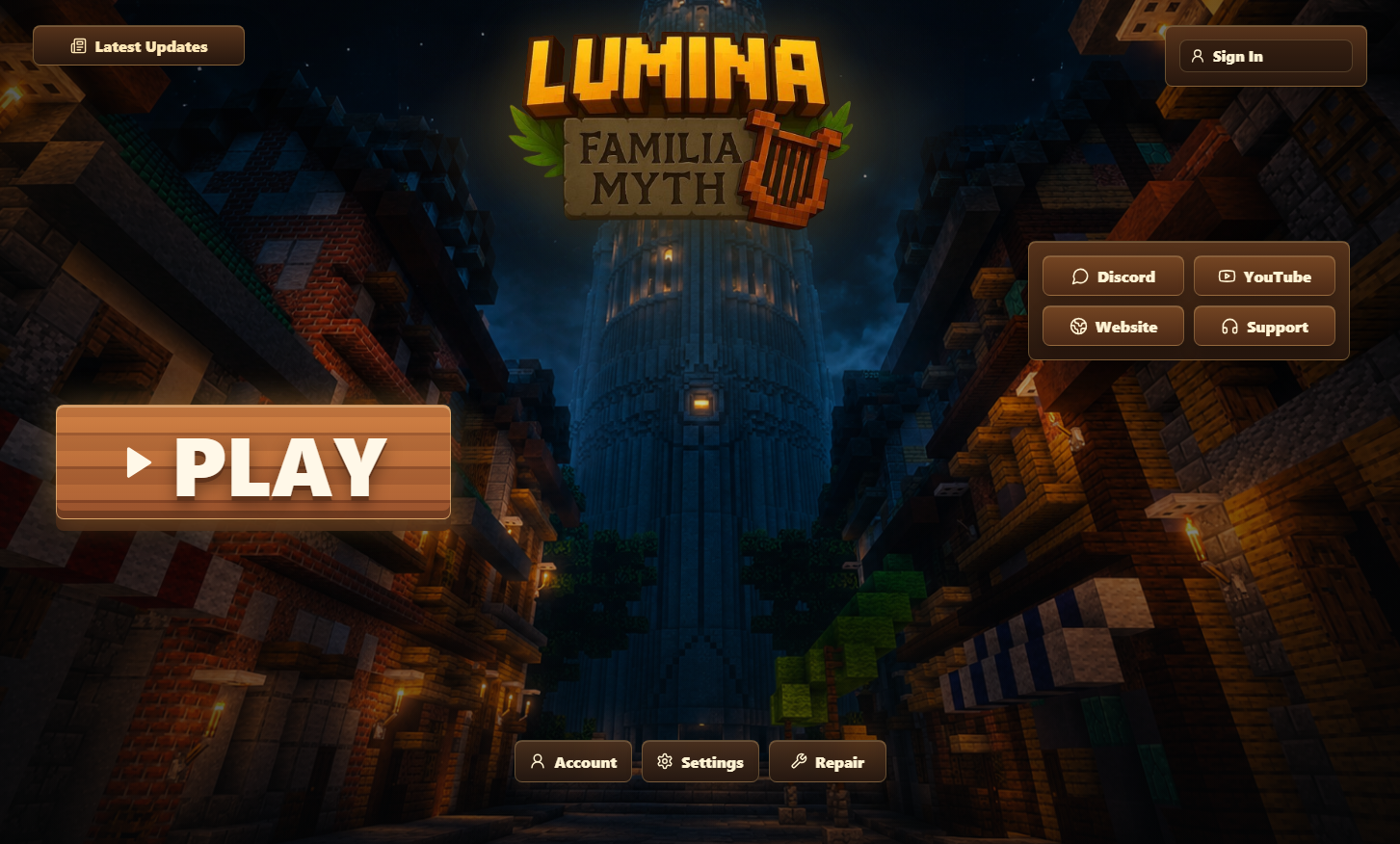
Launcher Preview
Sign in, check readiness, adjust settings, and launch Lumina from one clean app.
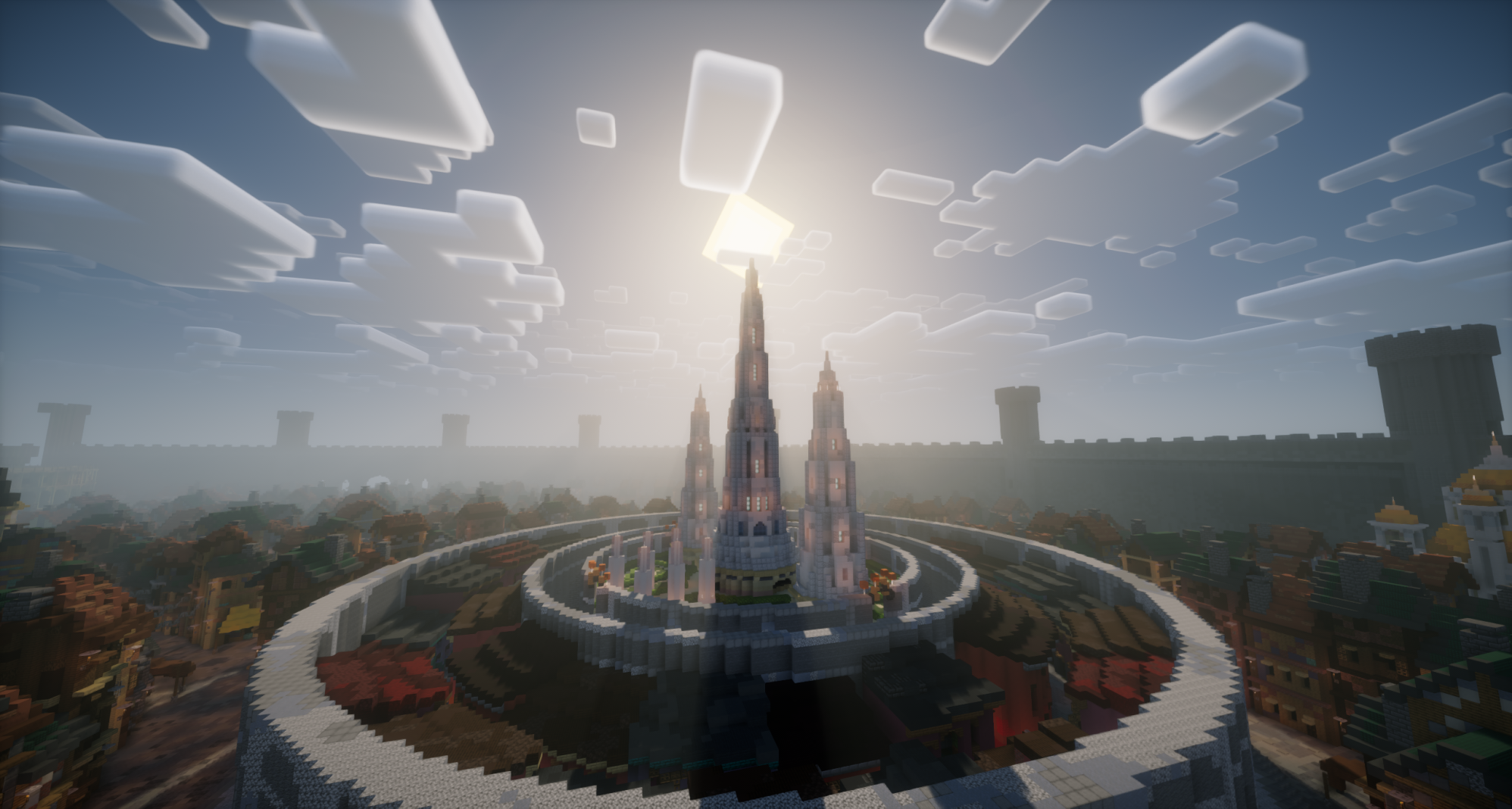
Dungeon Routes
Cinematic Minecraft fantasy locations built for parties, progression, and exploration.
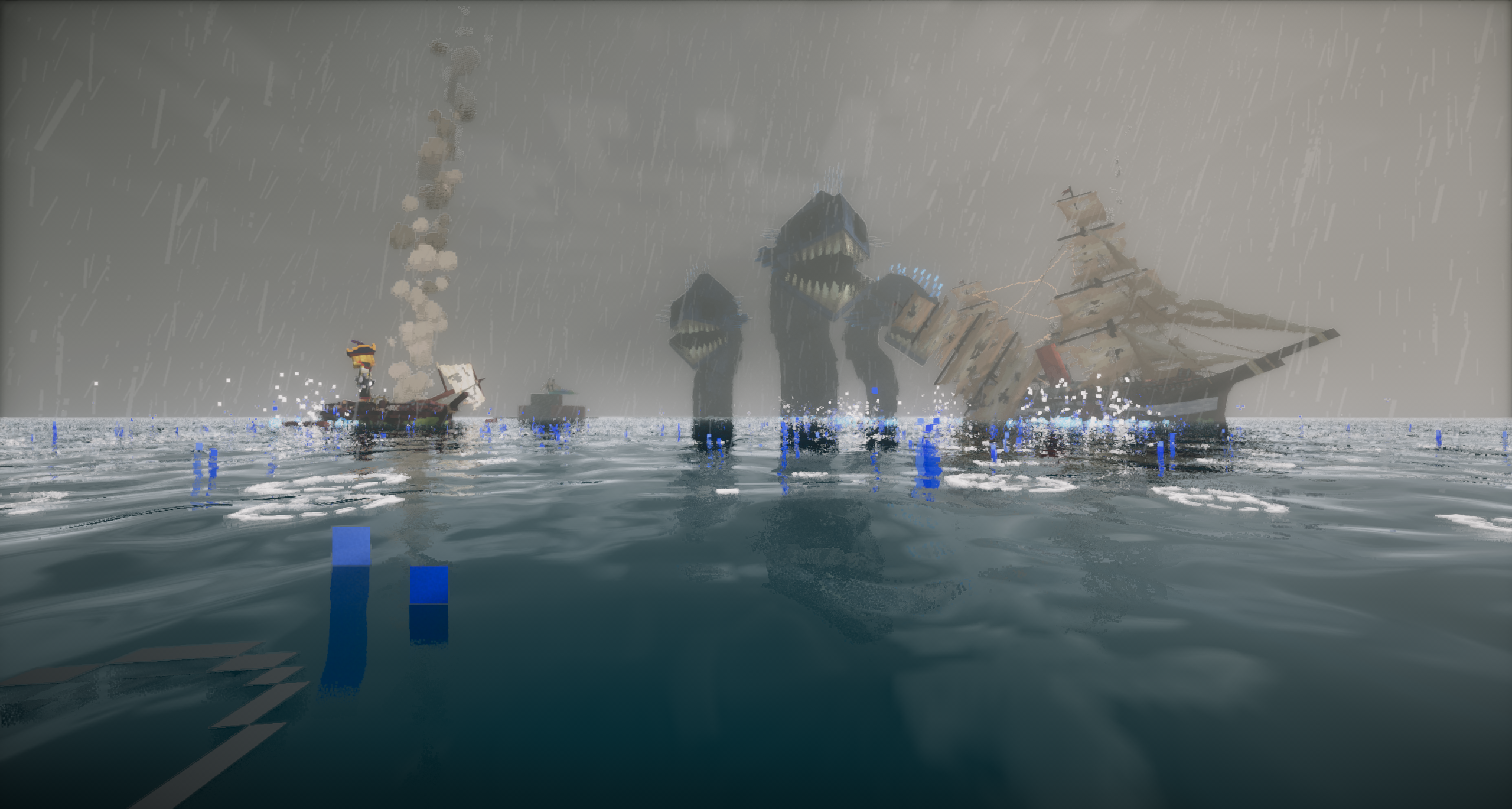
Boss Fight
Face cinematic encounters built for prepared parties, coordination, and high-stakes runs.
Latest News
Updates from the Guild Hall
Lumina Launcher Testing
The Lumina launcher is available for early players with Microsoft sign-in, automatic setup, and support links.
Read NewsDiscord Hub
Join the Discord for staff updates, testing news, support, and launch announcements.
Player Sign-In
The launcher supports Microsoft sign-in and displays your Minecraft username after login.
Ready?
Download the Lumina Launcher
Get the Windows launcher, sign in with Microsoft, and let Lumina prepare your client automatically.
Community
Stay Close to the Familia
Join Discord, watch Lumina updates on YouTube, or contact support if you need help.